I remember the exact moment I decided enough was enough. I was sitting in a coffee shop, frantically trying to find a client brief buried somewhere in my labyrinth of Notion pages. Tabs within tabs, linked databases that refused to cooperate, and that familiar spinning wheel as the app struggled to load. My “second brain” had become a digital migraine. That afternoon, I started my deep dive into notion alternatives—and it completely changed how I work.
If you’re here, I suspect you’ve had a similar experience. Notion is brilliant in concept, but in practice it can quietly turn into a productivity black hole. In this article, I’ll share what I’ve learned after testing dozens of notion alternatives over the past year. You’ll get honest comparisons, real-world stories from my own workflows and client projects, and clear guidance on which tool might actually fit your brain. No hype, just practical insights you can use today.
Why Smart People Are Quietly Leaving Notion
Notion didn’t fail me overnight. For a long time, it was my go-to for everything—personal notes, team wikis, content calendars, even habit tracking. But as my needs grew, so did the friction.
Pages became bloated. Search felt unreliable. Collaboration turned chaotic when multiple people started building their own systems inside one workspace. And the constant fear of vendor lock-in loomed large. I’m not alone in this. Across productivity communities, more people are openly discussing their migrations to notion alternatives.
The biggest revelation? Most of us don’t actually need one tool to rule them all. We need tools that respect our specific ways of thinking and working. Some crave local-first simplicity. Others want powerful automation. A few just want something beautiful and fast that doesn’t require a weekend to set up.
Obsidian: My Personal Favorite Among Notion Alternatives
After trying everything, Obsidian became my daily driver for deep work. It’s not trying to be Notion 2.0—it’s something more liberated.
Everything lives as plain Markdown files on your computer. That means true ownership. I can back them up however I want, open them in any editor, and never worry about a company changing terms of service. The linking system is pure joy. Write [[idea]] and it creates a connection you can follow later. The graph view turns your notes into a living map of thought.
I used to spend hours organizing Notion databases. Now I write freely and let the connections emerge naturally. One writer friend switched his entire book research process to Obsidian and finished his manuscript two months ahead of schedule because resurfacing old notes became effortless.
Yes, it has a learning curve if you’re new to Markdown. But the community plugins turn it into whatever you need—task managers, calendars, even publishing tools. For solo creators, researchers, or anyone who values speed and ownership, Obsidian stands out as one of the best notion alternatives right now.
Coda: Where Documents Become Powerful Tools
When I need something closer to Notion’s all-in-one ambition but with better execution, I turn to Coda. It’s one of the strongest notion alternatives for teams and structured projects.
What separates Coda is how pages can evolve into mini-applications. Buttons trigger automations. Formulas pull data intelligently. I helped a marketing team rebuild their entire content operation in Coda, and they cut their weekly planning meetings in half. The interface feels more intentional than Notion’s blank canvas approach.
That said, it’s not perfect. The pricing can climb quickly if many people are building complex docs. Still, for teams tired of context-switching between docs, spreadsheets, and project boards, Coda often feels like a genuine upgrade.
Anytype: The Privacy Champion in Notion Alternatives
Privacy has become a dealbreaker for many. Anytype addresses this head-on as a local-first notion alternatives option that still feels modern and capable.
Your data stays on your devices first. Everything is encrypted. The block editor will feel familiar to Notion users, but the object system is more thoughtful—treating notes, tasks, and projects as interconnected types you define yourself.
I migrated sensitive client strategy notes to Anytype and immediately felt lighter. No more wondering who might access my workspace. The mobile experience has improved dramatically in 2026, making it viable for daily use. If data ownership and offline reliability matter to you, put Anytype high on your list.
Craft and the Joy of Beautiful Simplicity
Sometimes the best notion alternatives aren’t the most feature-packed—they’re the ones that simply feel good to use every day.
Craft wins here. Clean design, excellent typography, strong Apple ecosystem integration, and just enough power without overwhelming you. Real-time collaboration works smoothly, and the built-in AI helps without getting in the way.
I use Craft for client deliverables and long-form writing. It doesn’t try to replace my entire life operating system, and that restraint is refreshing. Many designers and writers I know have made the switch purely for the reduced mental load.
Other Notable Notion Alternatives Worth Exploring
The landscape is rich in 2026:
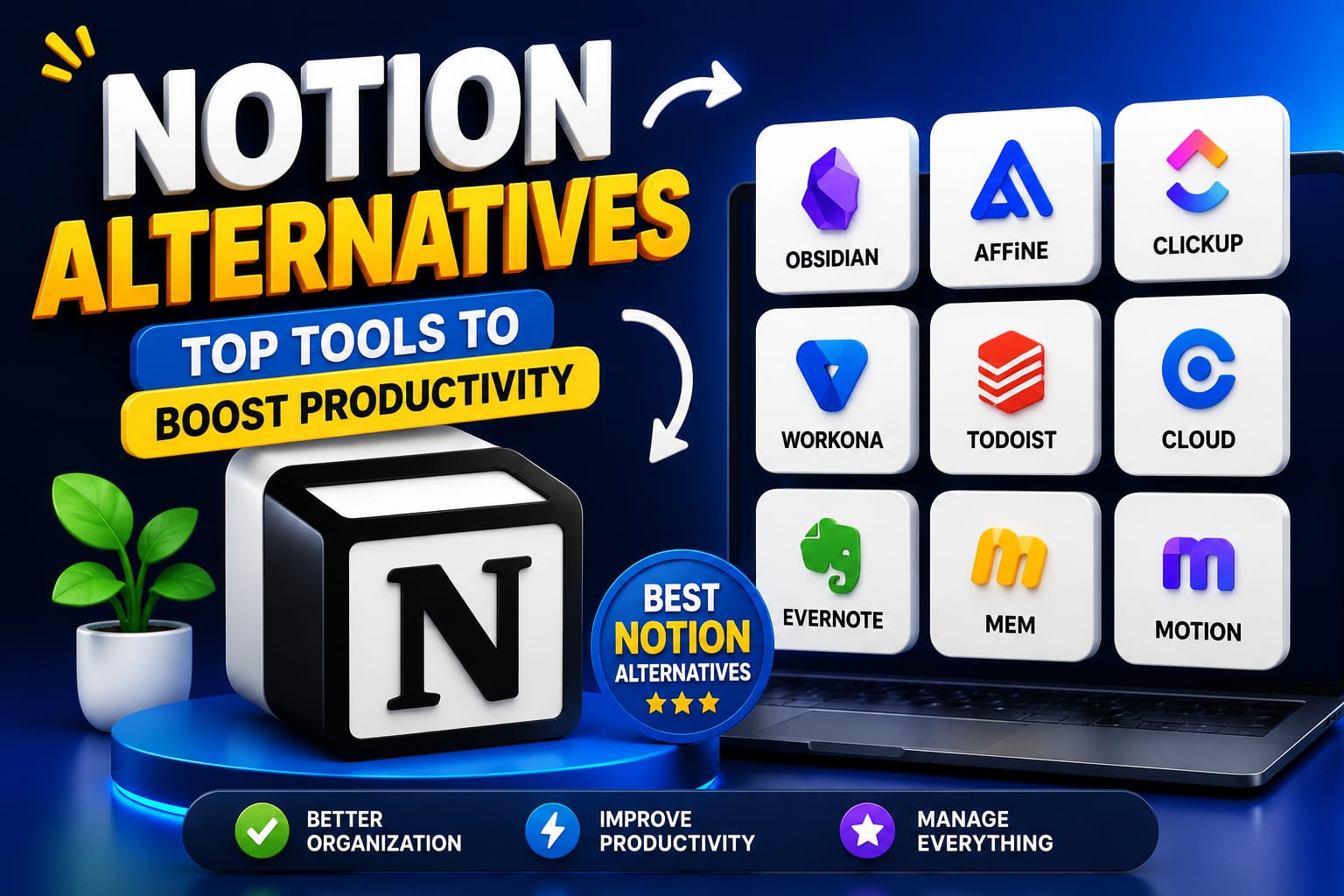
- Slite excels at team knowledge bases that stay current with AI assistance. Perfect if your Notion wiki became a ghost town.
- Tana rewards power users who love turning daily notes into sophisticated networks.
- Airtable remains king if databases and interfaces are your main love from Notion.
- AFFiNE and AppFlowy offer open-source, self-hosted paths for those wanting full control.
- monday.com or ClickUp shift the focus toward execution and project management while retaining documentation capabilities.
How to Choose and Switch to the Right Notion Alternative
Don’t rush into a full migration. Here’s my battle-tested process:
- Audit your current usage. Spend one week tracking what you actually open in Notion. Note the friction points.
- Define your non-negotiables. Offline access? Team collaboration? Database power? Speed?
- Test small. Migrate one project or one area of your life first. Many tools have import helpers.
- Combine where it makes sense. My current setup uses Obsidian for personal knowledge, Coda for client projects, and a simple task app. It feels liberating.
Common mistakes to avoid:
- Trying to recreate your entire messy Notion setup in the new tool.
- Ignoring long-term costs and team adoption.
- Choosing based on features instead of daily feel.
Making the Switch Without Losing Your Mind
Exporting from Notion can be messy, so start early. Focus on content first, structure second. Give yourself permission to let go of things that no longer serve you. The goal of any good notion alternative is to support your work, not become another project.
I’ve helped several friends and clients through these transitions. The ones who succeed treat it as an opportunity to simplify, not just relocate complexity.
The Bigger Picture Beyond Notion Alternatives
Tools come and go, but your relationship with information matters most. The best notion alternatives in 2026 aren’t necessarily the ones with the most features—they’re the ones that create space for actual thinking and doing.
I still admire what Notion built, but I’m happier and more productive since stepping away from the all-in-one dream. My systems are lighter, my ideas flow better, and I spend less time managing tools and more time doing meaningful work.
If you’re feeling that familiar Notion fatigue, trust the instinct. Explore a couple of notion alternatives this week. Start small. Pay attention to how each tool makes you feel after a few days of real use. The right fit is out there, and it might just surprise you how much lighter you feel when you find it.
What’s your biggest struggle with Notion right now? I’d love to hear in the comments—maybe I can point you toward a specific alternative that helped someone in a similar spot.