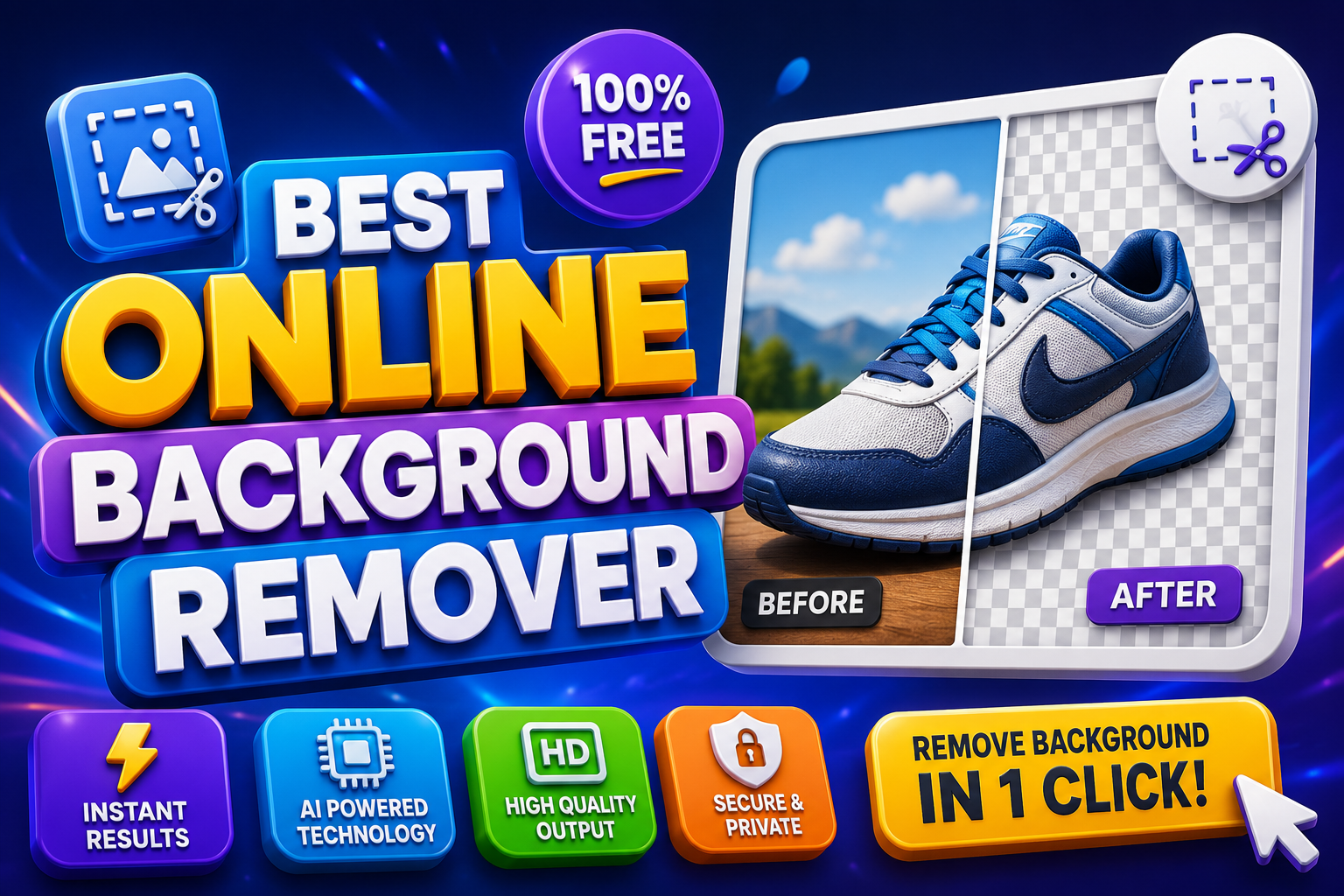
I still remember the first time I spent three frustrating hours in Photoshop trying to cut out a frizzy-haired model from a cluttered coffee shop background. My neck hurt, my coffee went cold, and the final result looked like someone had taken scissors to it while blindfolded. That was the moment I started hunting for something better. Something that didn’t require a design degree or an all-nighter. That’s when I discovered the magic of the best online background remover tools—and how they’ve completely changed the game for creators, sellers, and everyday photographers like me.
If you’re tired of wrestling with complex software or paying a fortune for basic edits, you’re in the right place. In this guide, I’ll walk you through what makes a truly great online background remover, share the ones I’ve tested extensively, and give you practical ways to get professional results fast. No fluff, just real insights from someone who’s edited thousands of images over the years.
Why Background Removal Matters More Than Ever
In our visual-first world, a clean subject with no distractions can make or break your content. Think about it: that product shot for your Etsy store, the headshot for LinkedIn, or the fun selfie you want to drop into a vacation graphic. A messy background pulls focus away from what matters.
The best online background remover isn’t just a convenience—it’s a time-saver that levels the playing field. Small business owners no longer need to hire expensive editors. Social media creators can experiment freely. Even hobbyists can produce polished work without the learning curve of traditional software.
I’ve seen freelancers double their output after switching to AI-powered tools. And for e-commerce, the difference in conversion rates between sloppy photos and crisp, studio-like ones is undeniable.
What to Look for in the Best Online Background Remover
Not all tools are created equal. After testing dozens, here are the non-negotiables I always check:
- Edge accuracy: Especially around hair, fur, or fine details. Cheap tools create jagged halos or eat into the subject.
- Speed and batch processing: Life’s too short to wait minutes per image or upload one by one.
- Free tier generosity: Full-resolution downloads without watermarks? That’s gold.
- Additional features: Background replacement, upscaling, or simple editors make a tool truly versatile.
- Privacy: Does it keep your images secure? Important for client work.
The best online background remover balances all these without forcing you into a subscription trap right away.
My Top Picks for the Best Online Background Remover in 2026
1. Remove.bg – The Reliable Workhorse
Remove.bg has been around for years, and for good reason. It’s still one of the fastest and most accurate for portraits and simple subjects. Upload, wait a few seconds, and boom—clean transparent PNG.
What I love: Incredible hair detail handling. What frustrates me sometimes: The free tier limits high-res downloads, pushing you toward credits. Perfect if you need quick one-offs or have a budget for heavy use. I keep it bookmarked for client headshots where precision is everything.
2. PhotoRoom – The E-commerce Champion
If you sell products, PhotoRoom might be your new best friend. It doesn’t just remove backgrounds; it suggests smart replacements and offers templates that look professionally shot.
I used it recently for a friend’s handmade jewelry line. In minutes, we turned casual phone snaps into sleek studio shots. The mobile app is buttery smooth too. Drawback? It shines brightest with product imagery—less ideal for complex creative composites.
3. Removal.AI and Erase.bg – The Underdog Heroes
These often get overlooked but deliver fantastic results without much hassle. Removal.AI handles bulk processing well, which saved me during a big project. Erase.bg offers generous free exports with solid quality.
They’re my go-to when I want no-signup friction. Test them side-by-side with tricky images (think wedding veils or pet fur) to see which AI model vibes with your style.
4. Pixlr and Canva – The All-in-One Designers
Why switch tabs? Pixlr’s background remover integrates into a full editor, letting you tweak colors, add effects, or composite right there. Canva does the same but with its massive template library.
I turn to these when the job isn’t just removal but creation. Dropping a cutout into a mockup or social graphic feels seamless. They’re more than a best online background remover—they’re creative hubs.
Emerging Contenders Like Claid and Others
Newer players like Claid.ai focus on e-commerce workflows with upscaling and consistency across batches. Others emphasize privacy or offline processing. The landscape evolves fast, so always try a few images yourself.
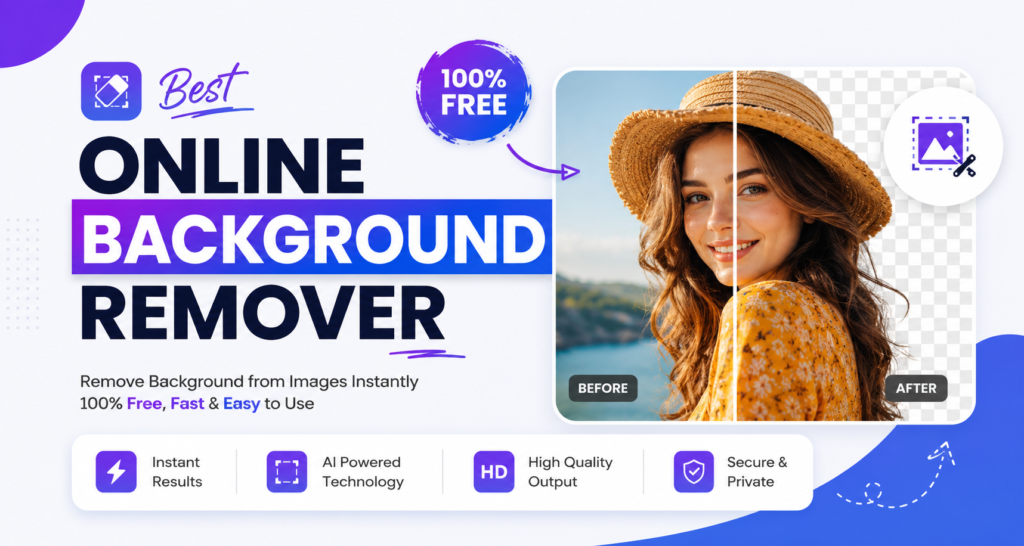
Step-by-Step: Getting the Most Out of Any Online Background Remover
- Prep your image: Good lighting and decent resolution help the AI. Avoid super low-res or extremely busy scenes if possible.
- Upload and remove: Most are one-click. Review the mask—many let you refine edges manually.
- Replace or refine: Don’t stop at transparent. Try new backgrounds that enhance your subject.
- Download smart: Opt for PNG for transparency. Check resolution before committing.
- Batch when possible: For multiple similar shots, use tools with bulk support.
Pro tip from experience: Always zoom in on the edges post-removal. A quick manual touch-up in the built-in editor saves headaches later.
Common Mistakes to Avoid
- Relying solely on free low-res previews for final work. Upscale properly or shoot higher quality originally.
- Ignoring lighting consistency when swapping backgrounds. A sunny subject on a rainy backdrop looks fake.
- Overusing the same tool without testing alternatives. Different AIs excel at different subjects.
- Forgetting to back up originals. AI can surprise you.
I’ve made all these errors. Learning them the hard way taught me to treat these tools as powerful assistants, not magic wands.
Real-World Stories: How the Best Online Background Remover Changed Workflows
Take Sarah, an Etsy seller I know. She used to spend evenings editing product photos. After adopting PhotoRoom as her primary best online background remover, she cut editing time by 80% and grew her shop. Her listings now pop with consistent, professional vibes.
Or my own project: Updating a portfolio of family portraits. Fine hair strands used to drive me nuts. Modern tools handled most automatically, letting me focus on storytelling through composition instead of pixel-pushing.
These aren’t hypotheticals. They’re the daily reality for more people than ever.
Advanced Tips for Better Results
- Combine tools: Use one for initial removal, another for refinements.
- Mind the subject: For groups or complex scenes, manual tools like Photoshop still win sometimes—but AI gets closer every year.
- Mobile magic: Many have excellent apps. Edit on the go.
- Privacy-conscious: Look for browser-based or local processing options if uploading sensitive images.
Experiment with different lighting angles in your source photos too. The best online background remover performs best with clear subject separation from the start.
The Future of Background Removal
AI keeps improving. We’re seeing better understanding of context, shadows, and reflections. Soon, these tools might anticipate your creative intent entirely. For now, the current crop already feels like superpowers compared to five years ago.
Wrapping Up: Finding Your Perfect Best Online Background Remover
The best online background remover is ultimately the one that fits your specific needs—whether that’s speed for social posts, precision for products, or integration for design workflows. Start with a couple from my list, test your typical images, and build from there.
Don’t let technical barriers hold back your creativity. With the right tool, you can focus on what matters: telling your story, selling your products, or simply sharing beautiful moments.
What are you waiting for? Upload that tricky photo you’ve been avoiding and see the difference for yourself. Your future self (and your audience) will thank you.