
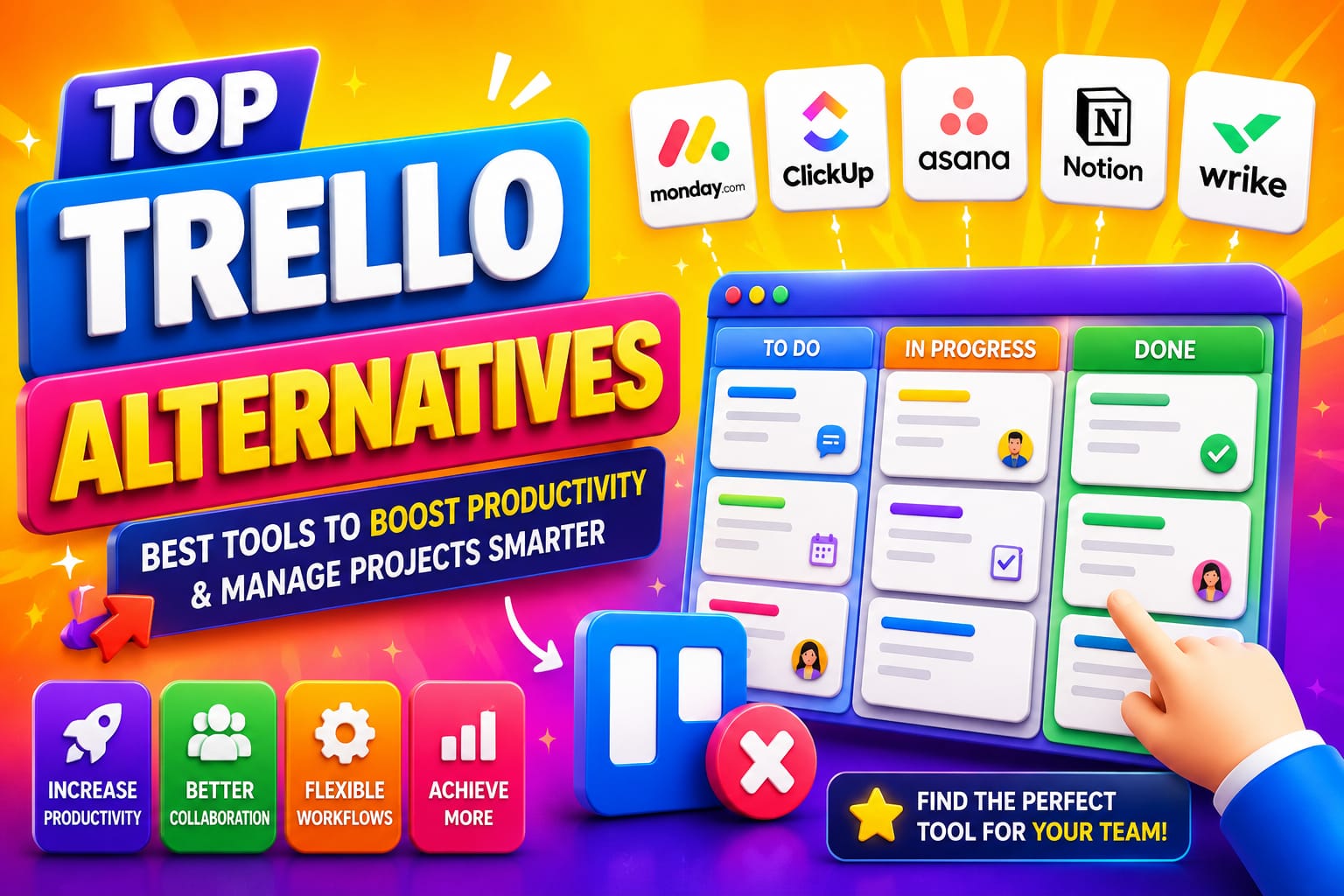
Trello alternatives I still remember the first time I dragged a card across a Trello board and felt that little rush of satisfaction. It was 2018, my team was tiny, and our chaotic content calendar suddenly looked manageable. For years, Trello was my go-to—simple, visual, almost fun. But somewhere around project number 47, with cards scattered across a dozen boards and zero clue about who was overloaded, the magic wore off.
If you’re nodding along right now, you’re not alone. Trello remains fantastic for solo users or super-light teams, but as workflows grow, its limitations hit hard: capped boards on the free plan, missing native dependencies and timelines without paying up, weak reporting, and that nagging sense that you’re piecing together a real project management system with Power-Ups. That’s when people start hunting for Trello alternatives that deliver more depth without losing the visual simplicity that made Trello appealing in the first place.
In this guide, I’ll walk you through the best options I’ve tested and recommended to teams over the past few years. We’ll cover why certain tools shine in specific scenarios, real migration stories, and practical tips to help you choose without wasting weeks on trials. By the end, you’ll have a clear path forward—whether you’re a marketing crew drowning in campaigns or a dev team juggling sprints.
The Trello Ceiling: When It’s Time to Move On
Trello’s strength is its elegant Kanban boards. Drag, drop, done. But here’s the thing: most growing teams don’t just need to visualize tasks. They need to connect them, report on them, and scale them.
Common breaking points I hear from readers and clients:
- Board limits on free plans force awkward workarounds.
- No built-in Gantt or timeline views without Premium.
- Reporting feels like exporting to spreadsheets and praying.
- Automation (Butler) hits caps quickly for active teams.
- Lack of task dependencies or workload balancing.
One agency founder told me they hit 10 boards in their first month and spent more on Power-Ups than a proper tool would cost. Sound familiar? That’s the signal to explore Trello alternatives.
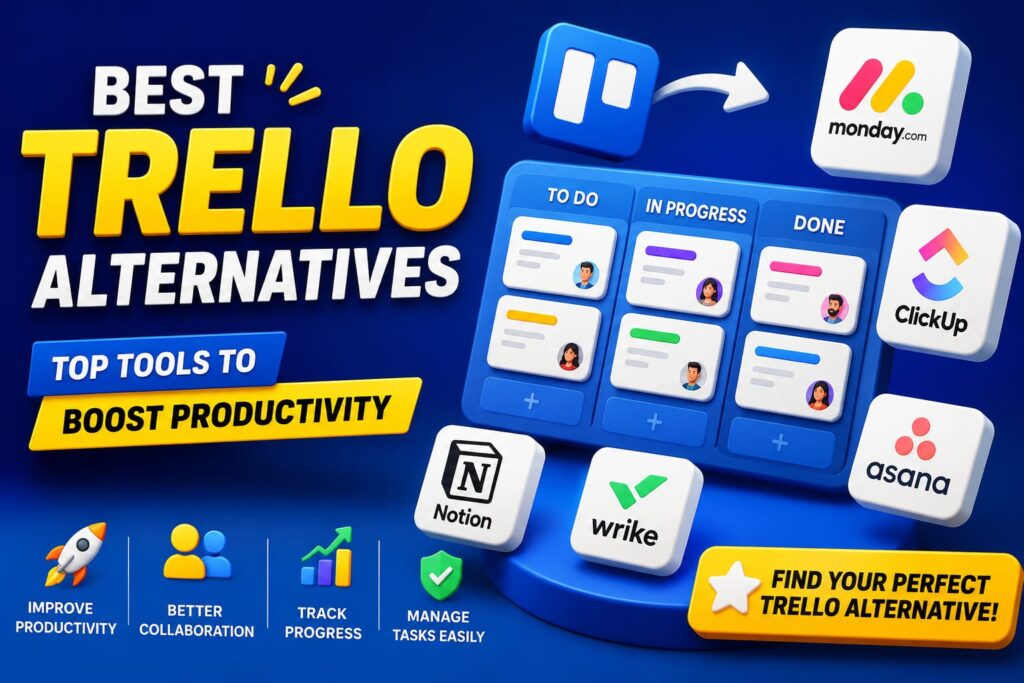
Top Trello Alternatives Worth Considering in 2026
After digging into features, pricing, and real-user feedback, here are the standouts. I prioritized tools that preserve some Kanban magic while adding serious horsepower.
ClickUp: The All-in-One Powerhouse
If I had to pick one Trello alternative for most teams right now, it’s ClickUp. It keeps the familiar board view but layers on timelines, Gantt charts, sprints, time tracking, docs, whiteboards, and AI features—all in one platform.
What I love: Unlimited tasks on the free plan (huge for growing teams), and the ability to switch views without losing context. Marketing teams use it for campaign planning with calendars and dependencies. Product teams love the sprint tools and custom fields that actually feel intuitive after a short setup.
Real talk: The interface can feel overwhelming at first because there are so many options. Start simple—import your Trello boards (it handles JSON exports cleanly) and gradually add views. One team I advised cut their tool stack from four apps to one and saved hours weekly on status updates.
Pricing starts free, with paid plans from around $7/user/month. It’s often the best value if you hate subscribing to multiple tools.
Asana: Structured Without the Stiffness
Asana strikes a beautiful balance. It has boards like Trello but adds robust timelines, portfolios for cross-project views, goals alignment, and strong workflow automation.
Best for: Mid-sized teams running multiple projects with clear owners and deadlines. The timeline view makes dependencies visible at a glance—something Trello struggles with even on paid plans.
I remember helping a nonprofit switch. Their old Trello setup had cards everywhere; Asana’s rules and reporting gave leadership real visibility without extra work. Onboarding is gentler than ClickUp for non-technical folks.
Free plan works for small groups (up to 10-15 users depending on features). Paid starts around $11/user/month. It’s not the cheapest, but the structure pays off in reduced chaos.
Monday.com: Visual Delight for Cross-Functional Teams
If aesthetics and customization matter to you, Monday.com feels like Trello’s glamorous cousin. Highly visual dashboards, automations that don’t require coding, and excellent reporting.
It shines for marketing, operations, and teams that present updates to executives. Boards look polished, and you can build custom views that update in real time.
Downside: The free plan is limited (a couple seats and boards), so it’s better once you’re committed. Pricing from about $9-12/seat/month. One creative agency I know ditched Trello because client reporting became effortless—no more manual screenshots.
Notion: When Docs and Tasks Belong Together
Notion isn’t a pure project tool—it’s a flexible workspace where tasks, wikis, and databases coexist. You can build Trello-like boards inside databases, but the real power is linking everything: meeting notes to action items, PRDs to roadmaps.
Ideal for teams where documentation is half the battle—startups, knowledge-heavy groups, or anyone tired of context switching between tools. AI features help summarize and generate content too.
It has a learning curve as you build systems, but templates speed things up. Free plan is generous for individuals and small teams. Paid around $10/user/month.
Pro tip: Use it if your “projects” involve lots of writing and iteration. Otherwise, pair it with a dedicated PM tool.
Other Strong Contenders
- Jira: For software and engineering teams needing deep Agile/Scrum support, backlogs, and integrations. More complex than Trello, but unbeatable for dev workflows.
- Linear: Sleek, fast alternative popular with engineering crews who want speed over endless features.
- Airtable: Database-first approach—great if your work feels more like managing interconnected data than simple tasks.
- Basecamp: For simpler, async teams who want calm communication alongside to-dos.
- Open-source options like Plane or AppFlowy if self-hosting and data control matter.
How to Choose the Right Trello Alternative for Your Team
Don’t chase the shiniest tool. Ask these questions:
- Team size and growth plans? Small and staying small? Stick closer to Trello’s simplicity. Scaling fast? Prioritize ClickUp or Asana.
- What views and features do you actually need? Timelines and dependencies point to Asana or ClickUp. Heavy visuals and dashboards favor Monday.com.
- Budget reality? Calculate total cost including time saved (or lost) on setup and training.
- Tech comfort level? Non-technical teams do better with Asana or Monday.com than highly customizable options.
Migration checklist:
- Export Trello data as JSON or CSV.
- Test imports in your shortlist (most tools have guides).
- Run a pilot with one project.
- Train the team with specific workflows, not just “explore the tool.”
- Set up automations early to recapture time.
A common mistake: Trying to recreate your exact Trello setup in the new tool. Use the switch as a chance to streamline processes.
Expert Tips and Pitfalls to Avoid
From experience, the biggest regret I see is over-customization too soon. Start with defaults, then tweak. Also, don’t ignore mobile experience—your team will use the app on the go.
Another insight: AI features are maturing fast in 2026. Tools like ClickUp and Monday.com use them for smart summaries, auto-scheduling, and insights that Trello simply doesn’t offer. If repetitive work eats your time, this alone can justify switching.
Watch for hidden costs: Training time, migration hiccups, or feature bloat that distracts rather than helps. Always prioritize solving your core pain points.
Making the Leap: Your Next Steps
Switching tools feels disruptive, but staying in a system that’s holding you back is worse. The right Trello alternatives doesn’t just organize work—it amplifies what your team does best.
Start by listing your top three frustrations with Trello today. Match them against the tools above. Pick two to trial deeply for a week each. Involve your team in the decision—they’ll own the new process better.
In my years helping teams level up, the ones who thrived treated the switch as process improvement, not just software replacement. The payoff is clarity, fewer missed deadlines, and that satisfying feeling of flow again—only this time, with room to grow.
What’s your biggest Trello headache right now? Drop a comment—I read them all and often update these guides based on real feedback. Your next productivity breakthrough might be one thoughtful switch away.